
A Guide for Recalibrating Your Calibration Radiometers and Thermometers
Blog
Last Updated 2026
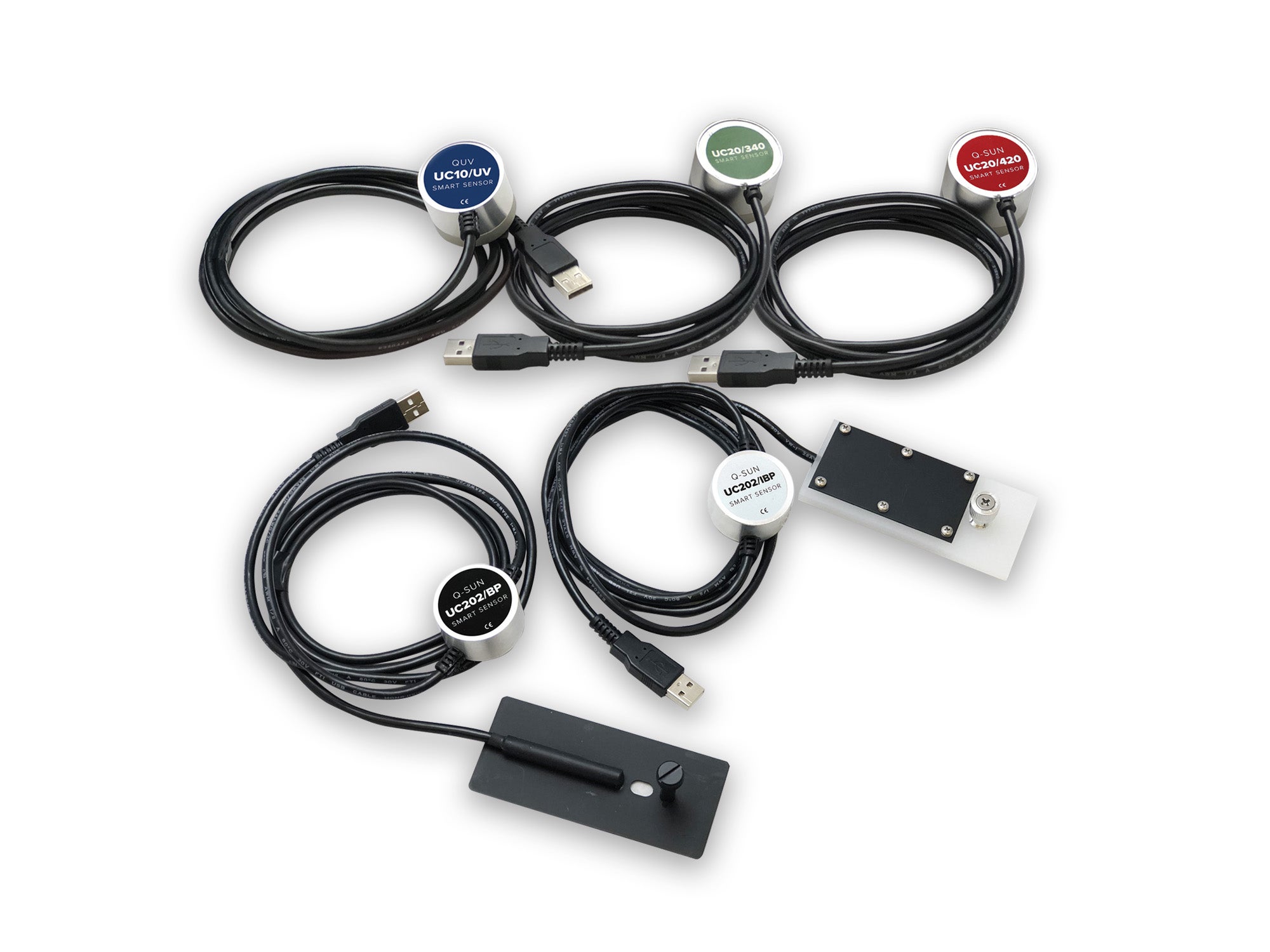
Q‑Lab has long been committed to developing simple, reliable, easy-to-use calibration radiometers and calibration thermometers. For decades we offered CR (calibration radiometer) and CT (calibration thermometer) devices to make calibrating QUV and Q-SUN onboard sensors easy. In 2017, we launched our Universal Calibrator (UC) system, designed to make the calibration of temperature and irradiance in Q-Lab accelerated weathering testers even more simple and straightforward . The UC system uses "Smart Sensors" with built-in calibration information, which can be either replaced annually or sent back to Q-Lab for recalibration. Of course, we still fully support and recalibrate legacy CR and CT devices as well.
Why Calibration Matters
In accelerated weathering and lightfastness testing, precise temperature and irradiance readings are critical. The onboard irradiance and temperature sensors can drift over time, making it important to calibrate regularly to make sure that the performance values the tester reports represent the actual conditions.
Similarly, the calibrated sensors used to calibrate those onboard sensors, which we call UC Smart Sensors, themselves can drift a little over time. If they aren't accurate, then the onboard sensors won't be either. Q-Lab recommends yearly recalibration of CR, CT, and UC sensors based on our long history of weathering testing, and guidance given in widely-referenced international standards like ISO 9370.
Regular recalibration of calibration radiometers and thermometers ensures that your weathering chambers are measuring true conditions, giveing you greater confidence in your test results.
Recalibration Made Easy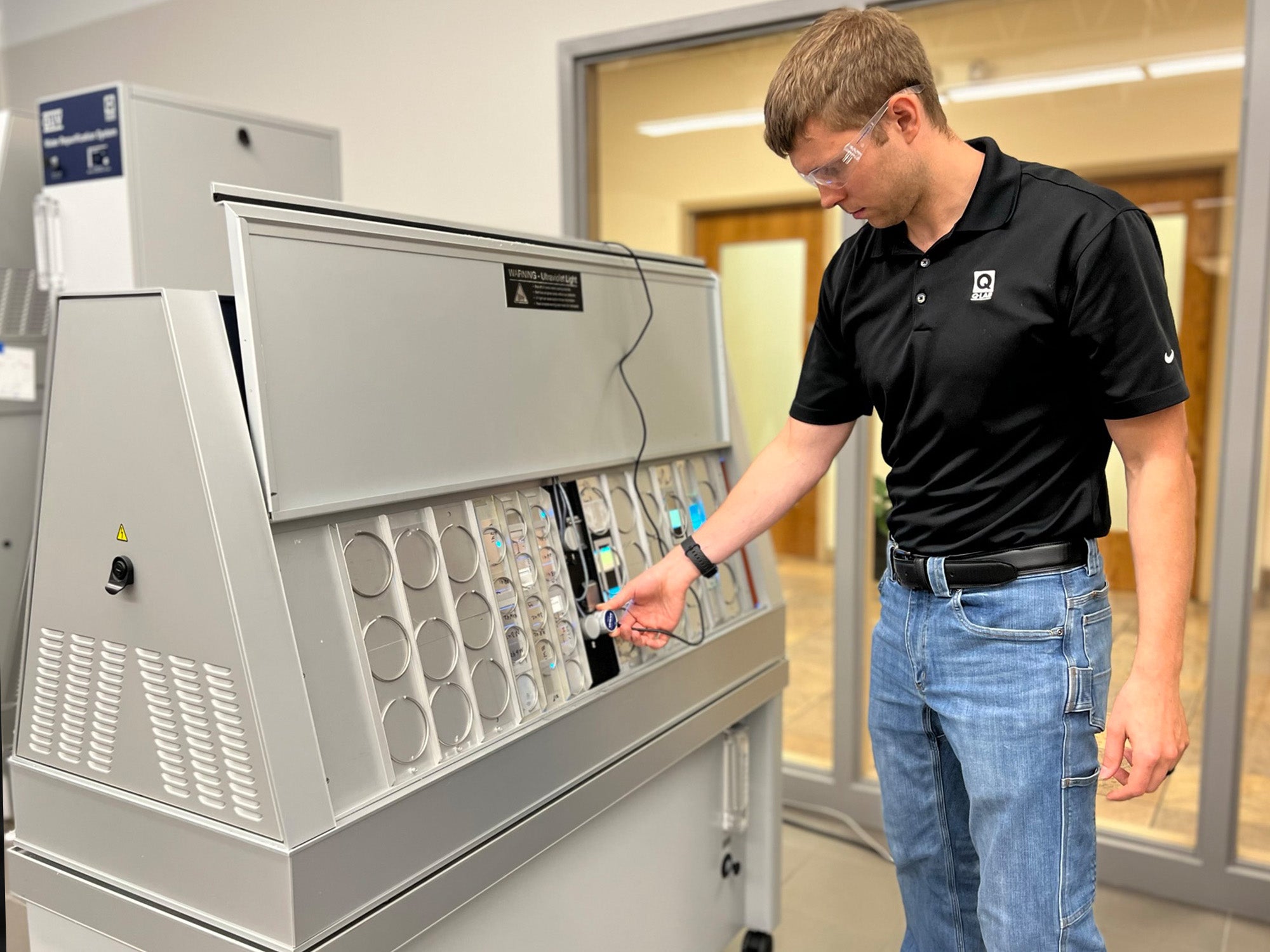
Recalibration at Q‑Lab's e ISO 17025-accredited facilities in the USA, Germany, and China is designed to be reliable and cost-effective. To get your device recalibrated, follow these simple steps:
- Complete the Recalibration Form
- Visit Q‑Lab’s Contact Us page and select Recalibration.
- Fill out the Recalibration Request form
- For assistance finding the device type and serial number of your device, click here.
- Send Your Device to Q‑Lab
- After submitting the online form, you’ll receive an email confirming that we've received your request.
- Our team will reach out and provide a cost estimate and instructions for shipping your UC, CR, or CT calibration device(s) to the correct Q‑Lab facility.
- Be sure to include the printed form with your package when shipped.
- Q‑Lab’s Calibration Service
- Once your device has arrived at one of Q‑Lab’s accredited labs, our team will perform the recalibration services quickly and efficiently.
- Following recalibration, all calibrated devices, with updated documentation, are shipped back to the requested address. You're now ready to get your testing program back up and running!
To recap, accurate calibration is an essential component of accelerated weathering and lightfastness testing. Q-Lab's ISO 17025 accredited calibration laboratories make it easy to keep calibration devices in good working order, to maintain precise and reliable test conditions.
Check out our webinar on Calibration and Documentation in Accelerated Laboratory and Corrosion Laboratory Testing to learn more about Q-Lab's recalibration process.
Need to get your device recalibrated? Contact our team today to get started!
Frequently Asked Questions
Q: How often should I get my device(s) recalibrated?
A: As with most precision electronic instruments, calibrated thermometers and radiometers may experience drift over time. As such, Q-Lab recommends recalibration (or replacement) of thermometers and radiometers on an annual basis.
Q: Where can I find the serial number of my calibration device?
A: For assistance finding the serial number of your recalibration device, click here.
Q: Where should I send my device to for recalibration?
A: Q-Lab has ISO 17025 accredited laboratories located around the world. However, our team will reach out to you directly to provide clear instructions on the laboratory to send your device to.
Q: Can I customize the certificate validity period (instead of the standard 12 month default)?
A: Yes, customers can customize the length of the validity period. Contact Q-Lab for more details.